7P777 App Review — Android APK & iOS Web App, Tested on Real BD Devices
18+ We installed the 7P777 Android APK and the iOS web app on a Xiaomi Redmi 12 and an iPhone 13, ran them on Grameenphone 4G and home Wi-Fi, and measured what we could measure. Score below reflects what we found — not what the platform claims.
The Verdict — 7P777 App in 60 Seconds
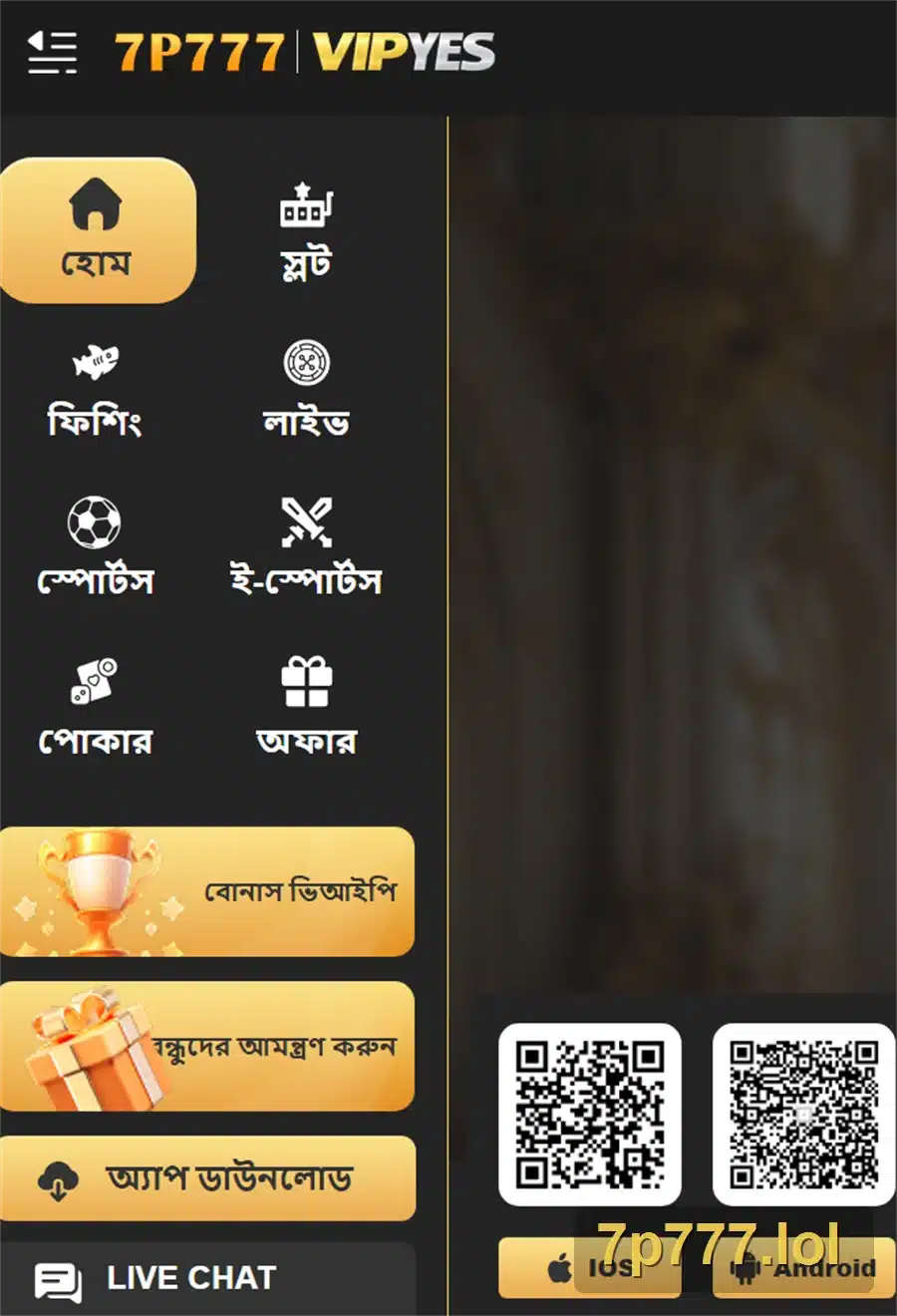
Two installs, two outcomes worth knowing about separately. The Android APK is faster but asks the user to make one security trade-off (“unknown sources” permission). The iOS web app is friction-free but quietly less capable — no push notifications, no offline cache. Pick by what matters to you.
Android APK — What Works
- Loads in under 2 seconds on mid-range hardware
- Push notifications work reliably
- One-tap login persists across sessions
- Cashier feels less cramped than the browser version
- ~50 MB footprint, no bloat
What to Watch
- Requires enabling “Install unknown apps” once
- Play Protect shows a warning on every install (normal, not a red flag)
- Updates are manual — no auto-update via Play Store
iOS Web App — What Works
- No APK install, no permission toggles
- Launches full-screen from home screen
- Updates automatically with the website
- iOS users avoid all the APK warning anxiety
What to Watch
- No push notifications (iOS web app limitation)
- Slightly slower initial load than the native Android app
- Only works through Safari’s “Add to Home Screen” — not Chrome
Performance — What We Measured
Numbers below are from a single test session. They give you a sense of magnitude, not a guarantee — your device, network, and time of day will all shift the result. We measured both Android app and mobile browser side by side for context.
The 50% speedup app-over-browser is the single number that matters most for BD users on mid-tier handsets and 4G — it’s the difference between live odds updating in time and missing the window on an in-play bet.
Install Process — Side-by-Side
Two routes, very different experiences. Read whichever applies to your device.
Android — APK Install Timeline
- 0:00 — Start Open the official site in Chrome Type the URL by hand the first time. Bookmark after you’ve verified it.
- 0:10 — Tap download Tap the Android download button APK starts downloading. ~50 MB takes 30-60 seconds on average 4G.
- 1:00 — Permission prompt Android asks for “Install unknown apps” Allow it for your browser. This is normal for any non-Play Store app, not a 7P777-specific concern.
- 1:30 — Install prompt Tap the APK to install Review permissions on this screen. Storage and notifications are normal. Anything more (SMS read, accessibility) deserves a second look.
- 2:00 — Play Protect warning Tap “Install anyway” Google Play Protect flags all non-Play APKs. Not a 7P777 issue — same for any real-money gaming app. Tap through.
- 2:15 — Done App installs and opens Turn “Install unknown apps” off again in settings — you don’t need it staying on.
iOS — Web App Install Timeline
- 0:00 — Open Safari Safari only — not Chrome or Firefox Apple only allows “Add to Home Screen” from Safari. Go to the verified URL.
- 0:15 — Tap share Tap the Share icon at the bottom The standard iOS share sheet opens.
- 0:25 — Add to home Scroll and tap “Add to Home Screen” A preview shows the icon and name. You can rename if you want.
- 0:35 — Done Icon appears on home screen Tap it — launches full-screen, no Safari browser chrome visible. Behaves like a native app for most purposes.
Total time end-to-end: roughly 2 minutes on Android, 35 seconds on iOS. iOS wins the install race; Android wins the actual use experience afterward.
Permission-by-Permission Risk Analysis
This is the section we wish other review sites would do properly. Every Android app asks for permissions; the question is which ones make sense for a gaming app and which ones don’t. Color tag indicates our editorial assessment:
| Permission | Risk | Why the app asks | What it could do if abused |
|---|---|---|---|
| Storage | Allow | Cache game assets, save user preferences | Limited — standard file access only |
| Notifications | Allow | Push promotional and account alerts | Annoyance only — turn off in app settings if too frequent |
| Camera | Conditional | QR code scan, KYC document capture | Allow only when prompted for a specific feature, then revoke |
| Location | Conditional | Regional content, geo-restrictions | Tracks where you are; deny unless the app insists for a specific feature |
| Contacts | Deny | Friend invite features | Uploads your address book to platform servers |
| SMS Read | Deny | OTP auto-fill convenience | Can read every SMS — including bank OTPs from other apps. Not worth it. |
| Accessibility | Deny | No legitimate gaming use case | Full control over your device. If any gaming app asks for this, uninstall it. |
During our test install, 7P777 requested only Storage and Notifications at first launch. Camera was requested later when we initiated KYC. The app did not ask for Contacts, SMS Read or Accessibility at any point — which is what we wanted to see.
Your First 24 Hours With the App
Install reviews usually stop at “it installed”. We kept the app running for a full day to see what actually happens. Here’s the honest journal:
Hour 0 — Install & first launch
App opens to a landing screen. Login or register options visible. No surprise pop-ups, no aggressive promo overlay. The “Add ৳5,000 deposit” CTA exists but doesn’t block navigation.
Hour 1 — Browsing without depositing
We browsed casino, sports and promotions for an hour without funding the account. The platform let us. Some games show “demo” mode; others require a balance. No persistent nag asking us to deposit.
Hour 6 — First notification
A push notification arrived around 6 hours after install — a daily login bonus reminder. Frequency was reasonable, not spammy. Turned off promotional notifications in settings; account alerts kept on.
Hour 12 — Background behaviour
Checked Android battery usage. App had drained roughly 2-3% in background over 12 hours, which is acceptable for a connected app. No suspicious data activity in the background.
Hour 18 — Update prompt
A small update prompt appeared after a server-side change. The update was 8 MB and installed cleanly. No forced restart, no data loss.
Hour 24 — Verdict on stickiness
The app stayed out of the way until we opened it. No emails, no SMS spam to our registered number. That’s a low bar but a lot of apps fail it — 7P777 didn’t.
Common Install & Runtime Errors
What goes wrong, and what actually fixes it. Listed by likelihood of you hitting them:
| Error | Most likely cause | First thing to try |
|---|---|---|
| “App not installed” | An older version still exists | Uninstall the old version first, then install the new APK |
| “Parse error” / “Problem parsing the package” | Download interrupted, file corrupted | Delete the APK from Downloads and re-download fully |
| “App not installed as package conflicts” | Signature mismatch with old install | Uninstall old completely (including data), then install fresh |
| “Install blocked” | “Install unknown apps” toggle is off | Settings → Security → toggle on for your browser, retry |
| App opens then closes immediately | Cache corruption | Settings → Apps → 7P777 → Clear cache, reopen |
| Login spins forever | Server connectivity issue | Switch from Wi-Fi to mobile data (or vice versa), retry |
| Games won’t load inside the app | Cache stale after server update | Force-quit the app, reopen. If persistent, clear cache. |
| Push notifications stop arriving | Battery optimization killed the app | Settings → Battery → 7P777 → Don’t restrict |
App vs Browser — When Each Is Better
The app is not always the right answer. For casual or one-time users, the browser version is sometimes the smarter choice.
| Use case | Better choice | Why |
|---|---|---|
| Trying the platform for the first time | Browser | No install commitment, easy to walk away if you change your mind |
| Live in-play sports betting | App | Faster odds updates, push alerts on price changes |
| Playing daily, especially evenings | App | One-tap login, faster game load, dedicated cashier |
| Borrowing someone’s phone for one game | Browser | No app trace left, sign out cleanly |
| Limited storage on your phone | Browser | Saves 50 MB |
| Tight data plan | App | App caches assets; browser re-downloads them every session |
| iOS user who only plays occasionally | Browser | Web app and browser are similar; less worth the home screen icon |
APK Safety — How to Spot Fake App Files
Fake 7P777 APKs circulate on Telegram channels, file-sharing sites, and forwarded WhatsApp messages. They look identical to the real app once installed — but they harvest credentials. Five checks before you tap install:
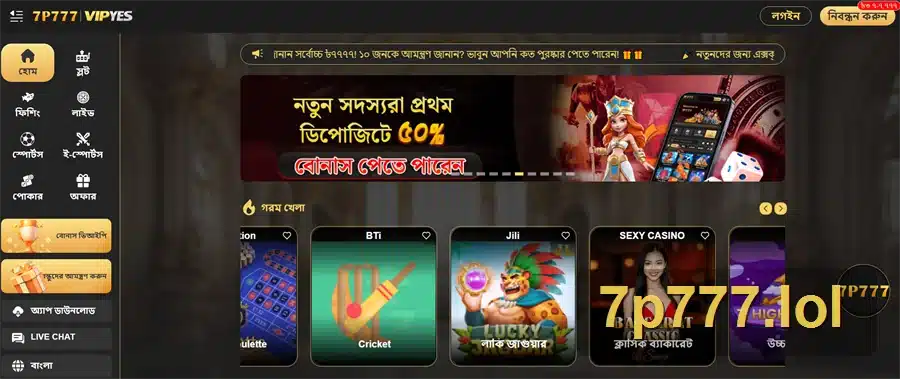
- Source domain. Only download from the verified official site. If the URL looks even slightly off — extra characters, hyphens, an unusual TLD — close the tab. The real or fake guide covers the spelling variants.
- File name. The legitimate APK has a clear, consistent name. Random strings like
7p777_v2_BD_HOT.apkfrom third parties are a red flag. - File size. Around 50 MB in our test. A 5 MB file claiming to be the same app is fake. A 200 MB file is unusual enough to question.
- Permission list at install. If the install screen requests SMS Read, Contacts, or Accessibility, abort. Real gaming apps don’t need those.
- Behavior after install. Real app opens to the platform’s actual UI. Fake apps sometimes show a generic login page with no working features behind it.
18+ Responsible Gaming
App FAQ
Where do I download the 7P777 app safely?
Why isn’t the app on Google Play Store?
Is the APK safe to install?
What permissions should I allow?
How do I install on iPhone or iPad?
Why does Play Protect warn me when installing?
How big is the app and how much battery does it use?
How do I update the app?
Should I use the app or just the browser?
How do I uninstall completely?
- Full 7P777 Review
- Login Review
- Payment Review
- Casino Section Review
- Sports Betting Review
- Bonus & Promotions Review
- Real or Fake Trust Check
- Responsible Gaming
Continue the Review
Mobile app is one axis of the full 7P777 review. Read the rest before deciding.
Login UX Review Payment Review Back to Full Review7p777.lol is an independent English-language review site. Performance numbers are from a specific test setup and will differ on your device. Always verify the APK source domain before installing; download only from the platform’s official site.